Pick an incoming DM keyword
Create an incoming-message flow and enter the word that should begin the automation.
Someone sends a DM after seeing your profile or Story. A keyword flow can answer the repeated question quickly, while your team keeps the conversation within reach.
For creators handling recurring guide requests and small businesses answering common product or service questions.
A customer messages “HELLO” to ask about your service. The matching flow sends the reply you prepared and can add a contact tag for follow-up.
Create an incoming-message flow and enter the word that should begin the automation.
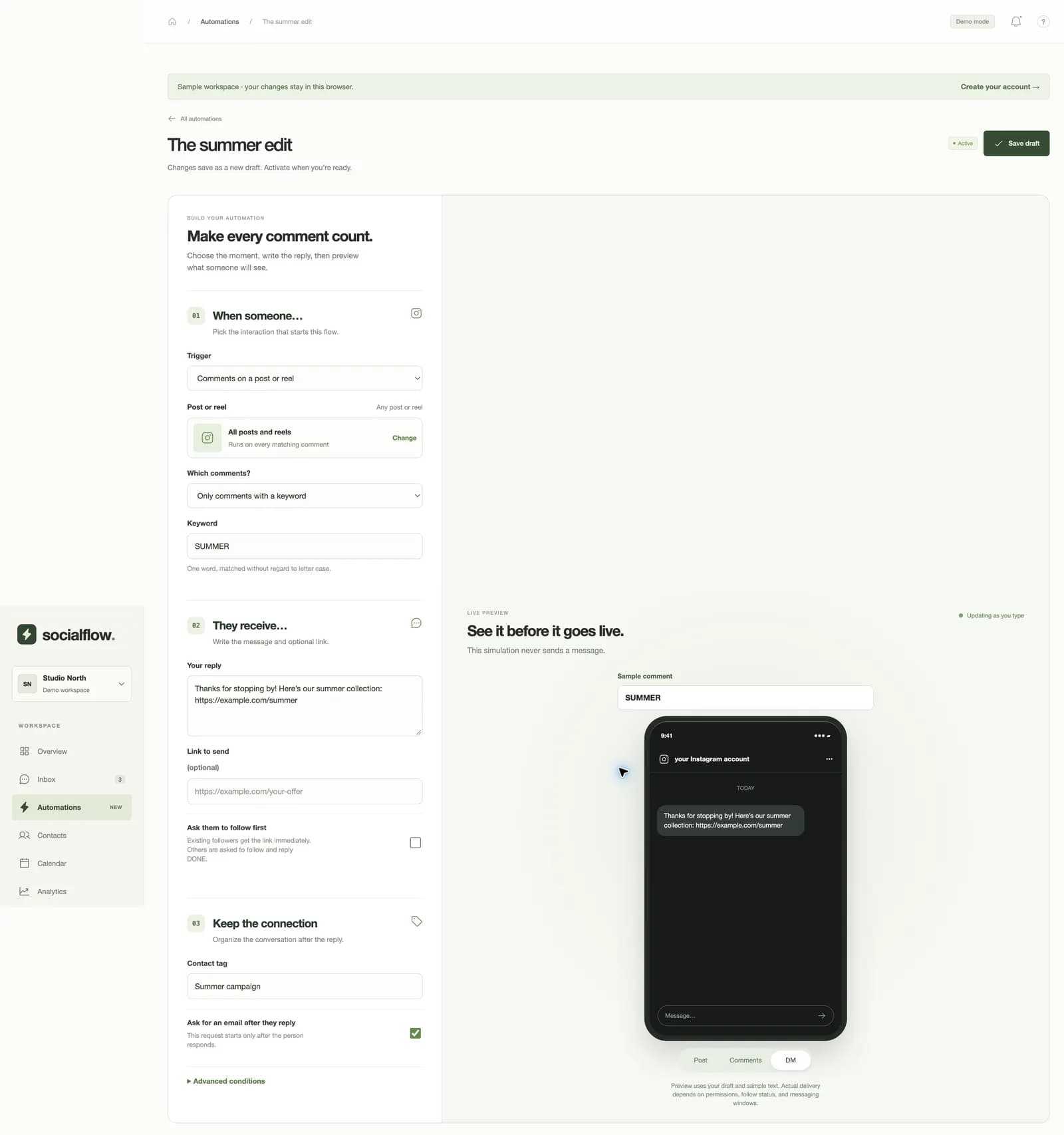
Write the first message and include an optional URL. Preview the DM before you save and activate.
See the conversation, add a contact tag, and step in when the person needs a tailored answer.
Use separate flows for separate requests, such as a product link and an information guide.
Apply a contact tag and optionally ask for an email after the person responds.
Pause a flow or take over a conversation in the inbox when automation is not the right response.
No. This flow responds to the incoming keyword you configure. Other messages remain available for human handling in the inbox.
Yes. Edit the flow, preview your change, save it, and activate the updated version when ready.
No. AI reply drafts are suggestions you review. Your own active automation sends the message you configured.